
Choose Kindle Unlimited if you read several books a month, especially indie or genre fiction. Stick with Prime Reading if you’re a casual reader who already pays for Amazon Prime and doesn’t want another subscription. Neither is wrong, but they serve completely different reading habits, and confusing the two costs real money.
Quick version: Prime Reading is a free perk bundled with your Amazon Prime membership, rotating through a curated catalog of a few thousand titles. Kindle Unlimited is a separate paid subscription with a catalog of 4 million+ titles, built for readers who go through books fast. Authors like Nathaniel Connors publish directly on Kindle Unlimited, so KU subscribers can read their full backlists without paying per title. The comparison table in Section 4 and the decision guide in Section 9 will get you to a final answer in under two minutes.
Table of Contents
- What is Prime Reading, and what do you actually get?
- What is Kindle Unlimited, and how is it different?
- How do Prime Reading and Kindle Unlimited compare side by side?
- How do borrowing limits and returns actually work?
- What does Kindle Unlimited cost, and how do you subscribe or cancel?
- Does catalog size actually matter? Mainstream vs indie content
- Why Kindle Unlimited matters for indie authors and their readers
- Which service should you actually pick?
- Key Takeaways
- A note from Nathaniel on how I use these services
- Where to verify official details and further reading
What is Prime Reading, and what do you actually get?
Prime Reading is not a standalone subscription. It’s included with any active Amazon Prime membership, which means you’re already paying for it whether you use it or not.
Here’s what it covers:
- Catalog size: Roughly 1,000–3,000 titles at any given time, rotating periodically
- Content types: Ebooks, select magazines, comics, and some children’s books
- Borrow limit: Historically capped at 10 titles simultaneously (magazines typically do not count against this limit; account behavior can vary; check your Amazon account settings)
- Devices: Kindle e-readers, Kindle app on iOS and Android, Fire tablets, and the Kindle Cloud Reader in a browser
- Cost: $0 beyond your Prime membership fee
The rotating catalog is the detail most readers miss. A title available in Prime Reading today may not be there in three months. If you’re mid-series and a book rotates out, your access disappears until it rotates back or you buy it. Think of Prime Reading as a curated sampler, not a permanent library. It’s best for discovering new authors and genres without committing to a purchase.
For account-specific catalog details and current availability, check the Amazon Kindle Help pages directly, since the Prime Reading selection varies by region and account type.
What is Kindle Unlimited, and how is it different?
Kindle Unlimited is a paid subscription, separate from Amazon Prime. This is the single most common misconception about the service: being a Prime member does not give you Kindle Unlimited access. You have to subscribe and pay separately.
What you get with KU:
- Catalog size: 4 million+ titles, heavily weighted toward indie, self-published, and genre fiction
- Content types: Ebooks, select audiobooks, and some magazines
- Borrow limit: 20 titles simultaneously
- Devices: Same as Prime Reading: Kindle e-readers, Kindle app (iOS/Android), Fire tablets, Cloud Reader
- Cost: Approximately $11.99/month in the U.S. (annual billing options available; check Amazon for current rates)
The catalog composition matters more than the raw number. Kindle Unlimited skews heavily toward indie and genre content, which is exactly where horror, thriller, dystopian fiction, and romance series live. If your reading list runs toward Big Five bestsellers and new hardcover releases, KU will disappoint you. If you binge genre series, it’s close to ideal.
KU also offers free trials periodically, and some accounts qualify for discounted annual plans. Pricing can shift, so verify current rates on Amazon before subscribing.

How do Prime Reading and Kindle Unlimited compare side by side?
| Feature | Prime Reading | Kindle Unlimited |
|---|---|---|
| Price & billing | Included with Amazon Prime (no extra fee) | ~$11.99/month, billed separately from Prime |
| Catalog size | ~1,000–3,000 rotating titles | 4 million+ titles |
| Content types | Ebooks, magazines, comics, children’s books | Ebooks, select audiobooks, magazines |
| Borrow limit | Historically 10 titles at once | 20 titles at once |
| Included with Prime? | Yes | No — separate subscription required |
| Best for | Casual readers, Prime members, discovery browsing | High-volume readers, indie/genre fans, series bingers |
| Device support | Kindle, Kindle app, Fire tablets, Cloud Reader | Kindle, Kindle app, Fire tablets, Cloud Reader |
| U.S. availability | Yes | Yes |
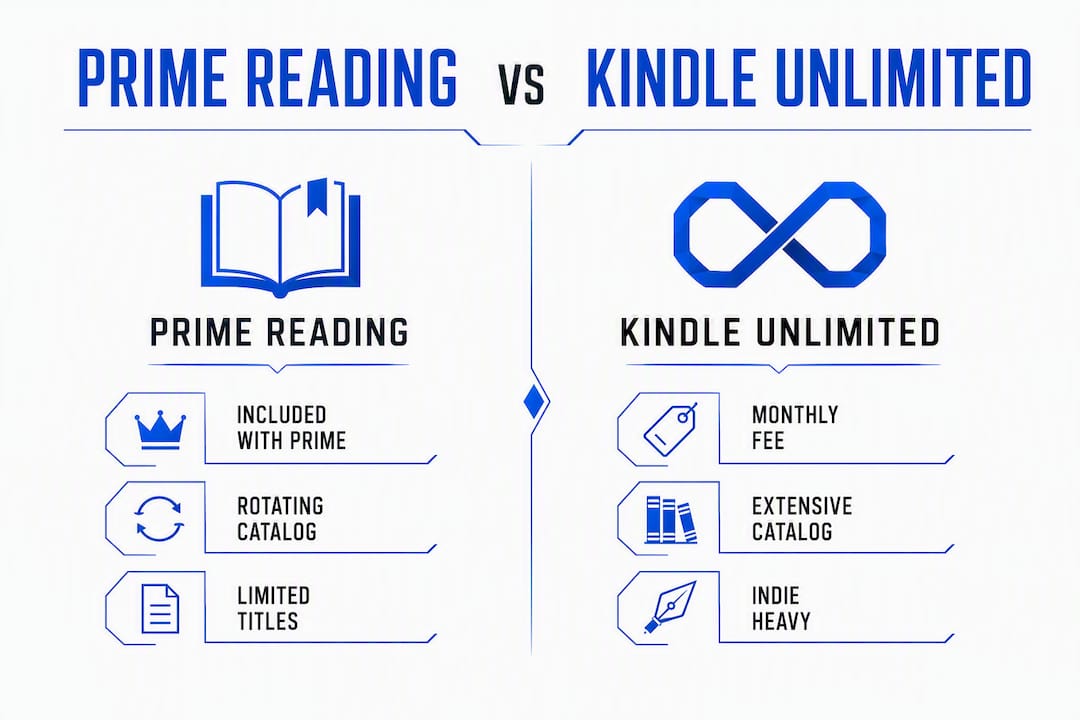
The core difference: Prime Reading is a free discovery perk; Kindle Unlimited is a paid reading subscription built for volume. One supplements your Prime membership, the other replaces buying individual books.
How do borrowing limits and returns actually work?
Kindle Unlimited lets you hold 20 titles at once. Prime Reading historically caps at 10, though Amazon has adjusted the wording over time, so your account settings are the authoritative source.
Practical mechanics worth knowing:
- Borrowing: Go to any eligible title’s Amazon page and select “Read for Free” or “Borrow for Free.” It downloads to your device immediately, no waitlist.
- Returning: You return titles manually through “Manage Your Content and Devices” in your Amazon account. KU does not auto-return finished books.
- Magazines: Select magazines are available on both services, and they typically do not count against your simultaneous loan limit on KU.
- Audiobooks: Some KU titles include a paired audiobook through Whispersync; these may count separately depending on the title.
- When you cancel: All borrowed titles become inaccessible immediately. Purchased Kindle books stay in your library permanently.
Pro Tip: Return finished KU books the same day you finish them. With a 20-title cap, a backlog of completed books you forgot to return will lock you out of new borrows faster than you’d expect.
Amazon has modified its borrowing language more than once, so if something seems off with your account limits, go directly to your Amazon account settings rather than relying on third-party descriptions.
What does Kindle Unlimited cost, and how do you subscribe or cancel?
Kindle Unlimited is not included with Amazon Prime. The standard U.S. price is approximately $11.99/month. Amazon periodically offers discounted annual plans and free trials, particularly around Prime Day and the holidays.
When does KU pay for itself? If you’d otherwise buy two or more genre ebooks per month at $5–$7 each, KU covers its cost. One book a month and it probably doesn’t.
To subscribe to Kindle Unlimited:
- Go to amazon.com/kindleunlimited
- Select “Start your 30-day free trial” (if eligible) or “Subscribe now”
- Choose monthly or annual billing
- Confirm payment through your Amazon account
To cancel Kindle Unlimited:
- Go to amazon.com/manageyourkindle or your Amazon account settings
- Select “Kindle Unlimited” under “Memberships & Subscriptions”
- Click “Cancel Kindle Unlimited”
- Confirm cancellation
To access or cancel Prime Reading:
- Prime Reading is active automatically with any Amazon Prime membership
- To stop using it, you’d cancel Amazon Prime itself (not a separate step)
Always check Amazon’s official pages for live pricing, since rates and trial eligibility change.
Does catalog size actually matter? Mainstream vs indie content
The catalog gap between these two services is not subtle. Prime Reading holds a few thousand rotating titles; Kindle Unlimited holds 4 million+. But the more useful distinction is what kind of books fill those catalogs.
Prime Reading pulls from a curated mix that includes some mainstream titles, popular series, and Amazon Originals. It’s a reasonable sampler. Kindle Unlimited, by contrast, is where indie publishing lives. The vast majority of its catalog comes from self-published authors and small presses, which is exactly where genre fiction, horror, dystopian fiction, and niche thriller series are most active.
Reader habits and which service fits:
- Casual reader, 1–2 books/month: Prime Reading is plenty, especially for browsing new genres
- Genre binger, 4+ books/month: KU pays for itself within the first week of a good series
- New-release reader (Big Five publishers): Neither service covers this well; you’ll be buying or using a library
- Series follower of indie/KU authors: KU is the clear answer, with instant access and no waitlists
| Service | Approx. catalog size | Catalog composition |
|---|---|---|
| Prime Reading | ~1,000–3,000 titles | Curated, rotating, mixed mainstream and Amazon Originals |
| Kindle Unlimited | 4 million+ titles | Indie-heavy, genre-strong, limited Big Five new releases |
For new bestsellers and Big Five releases, pair KU or Prime Reading with Libby, the free public library app. Libby has waitlists for popular titles, but it’s free and covers the mainstream catalog neither Amazon service handles well. That combination, KU for instant genre access plus Libby for library holds, covers most reading habits without buying individual books.
Why Kindle Unlimited matters for indie authors and their readers
KU gives indie authors something traditional publishing rarely offers: direct, frictionless access to readers who are already paying to read. For genre authors, that’s the whole game.
Nathaniel Connors publishes his dark fiction, including The Nether, Stories of a Condemned Soul, and Evolution A200: A Bubonic Apocalypse, on Kindle Unlimited. KU subscribers can read his full catalog without paying per title, which matters when you’re deciding whether to try a new author in a niche genre.
How KU benefits readers of indie genre authors:
- Binge the backlist: Read an entire series without buying each book individually
- No waitlists: Unlike Libby, KU delivers immediately on every title in its catalog
- Discovery without risk: Try a new author’s first book for free before committing to the series
The rental nature of KU is worth keeping in mind. If you finish a Nathaniel Connors title and know you’ll want to reread it, buying the ebook or paperback keeps it in your library permanently. Borrowed titles disappear when your subscription ends; purchased books don’t.
For a curated list of psychological thrillers available on KU, Nathanielconnors.com has a dedicated reading list worth bookmarking.
Which service should you actually pick?
One-line rule: if you read two or more books a month and follow indie or genre authors, get Kindle Unlimited. If you read occasionally and already have Prime, use Prime Reading and save the $11.99.
Pick Kindle Unlimited if you:
- Read 2+ paid ebooks per month in genre fiction, horror, thriller, or romance
- Follow indie or self-published authors with active series
- Want instant access without waitlists or due dates
- Are willing to manage your 20-title loan limit actively
Stick with Prime Reading if you:
- Read fewer than two books a month
- Already have Amazon Prime and want a zero-cost reading perk
- Enjoy browsing magazines and comics casually
- Prefer mainstream titles and plan to buy what you love anyway
When to use both (or add Libby):
- Use KU for genre bingeing and indie author backlists
- Use Libby (free, tied to your public library card) for new-release bestsellers with waitlists
- Buy permanently any title you’ll reread or want to keep regardless of subscription status
Both services are rental models. The moment you cancel, borrowed titles vanish. If you’re building a personal library, purchasing remains the only way to guarantee permanent access.
Key Takeaways

Kindle Unlimited is the better value for high-volume genre readers; Prime Reading is a free perk that works well for casual readers already paying for Amazon Prime.
| Point | Details |
|---|---|
| KU is not included with Prime | Kindle Unlimited requires a separate ~$11.99/month subscription beyond Amazon Prime. |
| Catalog gap is enormous | Prime Reading holds ~1,000–3,000 rotating titles; Kindle Unlimited offers 4 million+. |
| Borrow limits differ | KU allows 20 simultaneous loans; Prime Reading historically caps at 10. |
| Rental model applies to both | Borrowed titles disappear when your subscription ends; purchased ebooks stay permanently. |
| Best hybrid strategy | Pair KU for indie/genre access with Libby for free public-library holds on new releases. |
A note from Nathaniel on how I use these services
Prime Reading introduced me to a handful of authors I wouldn’t have found otherwise. That’s genuinely what it’s good for: low-stakes browsing when you’re not sure what you want next.
But for readers who already know they want dark fiction, psychological horror, or dystopian stories, Prime Reading’s rotating catalog is too small and too unpredictable to rely on. Kindle Unlimited is where my books live, and it’s where most of the genre fiction worth bingeing actually lives.
The Nether, Stories of a Condemned Soul, and Evolution A200 are all available to KU subscribers right now, no additional purchase needed. If you’re already subscribed, you can start reading immediately. If you’re on the fence about KU, those titles are a reasonable way to test whether the catalog fits your taste before committing to a longer subscription.
For anyone who wants to own a copy permanently, Stories of a Condemned Soul is available as both an ebook and paperback on Amazon.
Where to verify official details and further reading
Amazon’s policies, pricing, and catalog contents change. Always confirm current details directly:
Official Amazon sources:
- Amazon Kindle Unlimited subscription page — live pricing, trial eligibility, and billing options
- Amazon Prime Reading page — current catalog and Prime membership details
- Manage Your Content and Devices — borrow limits, returns, and account settings
Third-party analyses used in this article:
| Source | What it covers |
|---|---|
| NerdWallet — What Is Amazon Prime Reading? | Borrowing limits, catalog size estimates, and Prime Reading overview |
| HowToGeek — Prime Reading vs. Kindle Unlimited | Cost comparison and the KU-not-included-with-Prime clarification |
| Web-Books — Prime Reading vs. Kindle Unlimited | Rental model mechanics and catalog composition |
| Subrupt — Best Ebook Subscription Services | Catalog composition, hybrid strategies, and Libby pairing advice |
| Paige Ditullio — Is Kindle Unlimited Worth It? | Practical user experience, waitlists, and KU convenience |
Catalog contents rotate, and Amazon adjusts pricing and trial terms regularly. Verify your specific account details in Amazon’s account settings before subscribing or canceling either service.