
The best way to get value from Kindle Unlimited is to treat it as a place to try books, not a pile to hoard. Turn on the subscription filter when you search, read the sample and the one-star reviews before you borrow, keep a running list so you never hit the 20-title cap blind, and return anything that isn’t working. Below are the habits that make the biggest difference, with notes for readers who want dark, psychological and dystopian fiction.
One naming note first. Amazon’s current help pages describe the service as Kindle+, and many readers still say Kindle Unlimited or KU. This guide uses both names for the same membership.
TL;DR
- Use the subscription filter in the Kindle app and search by sub-genre or trope, not just by “horror” or “thriller.”
- Read the sample, the description and the one-star reviews before borrowing. Returning a book costs you nothing, but your time still counts.
- You can hold up to 20 titles at once, with no due dates. Keep a separate list of what you want next.
- Check your real reading month against the catalog before you decide to keep or cancel.
- If you like dystopian horror and psychological dread, our books are free to read with the subscription.
Table of Contents
- What the subscription actually includes
- Find included books faster
- Find psychological horror and dark speculative fiction
- Sample, skim and check reviews before you borrow
- Manage the 20-title limit
- Build a reading list that survives the catalog
- Use reading features that keep you in the story
- Give yourself permission to quit
- Decide whether to keep or cancel
- Perspective: why we think KU suits dark fiction
- Start with a dark series on your subscription
- FAQ
- Sources
What the subscription actually includes
Knowing the rules makes every other tip easier. According to Amazon, subscribers can borrow digital books, audiobooks, comics, manga and magazines, look for the badge on eligible titles, download them, and return current selections when they want something new.
Two details matter most:
- No due dates. As long as the subscription stays active, a borrowed title doesn’t expire. You return it when you choose.
- Any device. Amazon says you can read on Kindle devices, phones, computers and tablets using the free Kindle app.
In the U.S., the membership normally costs $11.99 a month plus taxes, a figure Amazon published in 2024. Check your account for the current price before you subscribe, since prices and trials change.
If you are still deciding whether this model fits you, our comparison of Kindle Unlimited vs buying ebooks walks through the math, and a separate piece on Prime Reading vs Kindle Unlimited covers the other Amazon option many people confuse it with.
Find included books faster
The catalog is enormous, so the first skill is narrowing it down. Three habits do most of the work.
Turn on the filter
Amazon says you can find eligible titles in the Kindle Store and your library by switching on the Kindle+ filter in the Kindle app. Do this before you search. Otherwise you will waste time on books you would have to pay for, fall in love with a premise, and only then discover it isn’t included.
On any single book page, the eligibility badge is the quickest check. Keep an eye out for it as you scroll.
Search by trope, not by genre
A search for “horror” returns thousands of results that look alike. Editors at one reading site argue the catalog’s real problem is sameness rather than scarcity, and that searching by specific trope is a highly effective way to cut through it.
For dark fiction, that means swapping the broad label for something precise. Try:
- “slow burn psychological horror”
- “post-apocalyptic survival with a pandemic”
- “haunted by guilt” or “revenge supernatural”
- “dystopian thriller with a conspiracy”
- “unreliable narrator”
The narrower the phrase, the less the algorithm can hide behind bestsellers. If you want a head start on the horror side, we keep a running list of Kindle Unlimited horror books for subscribers.
Use your dashboard, but steer it
Reedsy’s review of the service notes that the dashboard tailors suggestions to your browsing history. That cuts both ways. If you only click on one kind of book, you will only see that kind. Browse deliberately outside your usual lane once in a while, and the recommendations widen with you.
Find psychological horror and dark speculative fiction
Dark fiction is where the sameness problem bites hardest. Gore-heavy slashers, cozy-ish paranormal romances and genuine psychological dread all sit under the same shelf label. A few ways to separate them:
- Read the first paragraph of the description for what the book is about, not what it resembles. A blurb built around a character’s guilt or a moral choice tends to signal psychological horror. A blurb built around a body count signals something else.
- Search for the emotion you want. Dread, paranoia, isolation and guilt are better search terms than “scary.”
- Check the series order before you start. Series in the dystopian and supernatural space often run several books. Start at book one.
- Decide whether you want the supernatural or not. If you prefer horror that comes from people, our guide to slow burn non-supernatural horror on Kindle Unlimited is a good place to begin. If you want real dread from the other side, try our picks of dark supernatural books.
We also wrote a short piece on what to expect from psychological thrillers on Kindle Unlimited, which helps you tell the sub-genres apart.
Sample, skim and check reviews before you borrow
Borrowing is free, but starting and abandoning books is still time you don’t get back. A short routine saves it.
Read the sample
Subscribers can read a sample before borrowing, much like browsing in a physical bookstore. Judge the first few pages on voice and pacing. If the prose doesn’t grab you in the sample, it rarely improves.
Read the one-star reviews first
This one is counterintuitive and it works. One-star reviews often name the exact thing a reader disliked, rather than offering a generic complaint. In horror, that is gold. A one-star review that says “too slow” might be a five-star recommendation for you, and one that says “too graphic” tells you whether to skip it.
Ask what you are in the mood for
Before you press borrow, say it in one sentence: “I want something bleak and tense that I can finish in a week.” If the book doesn’t match the sentence, keep scrolling.
Manage the 20-title limit
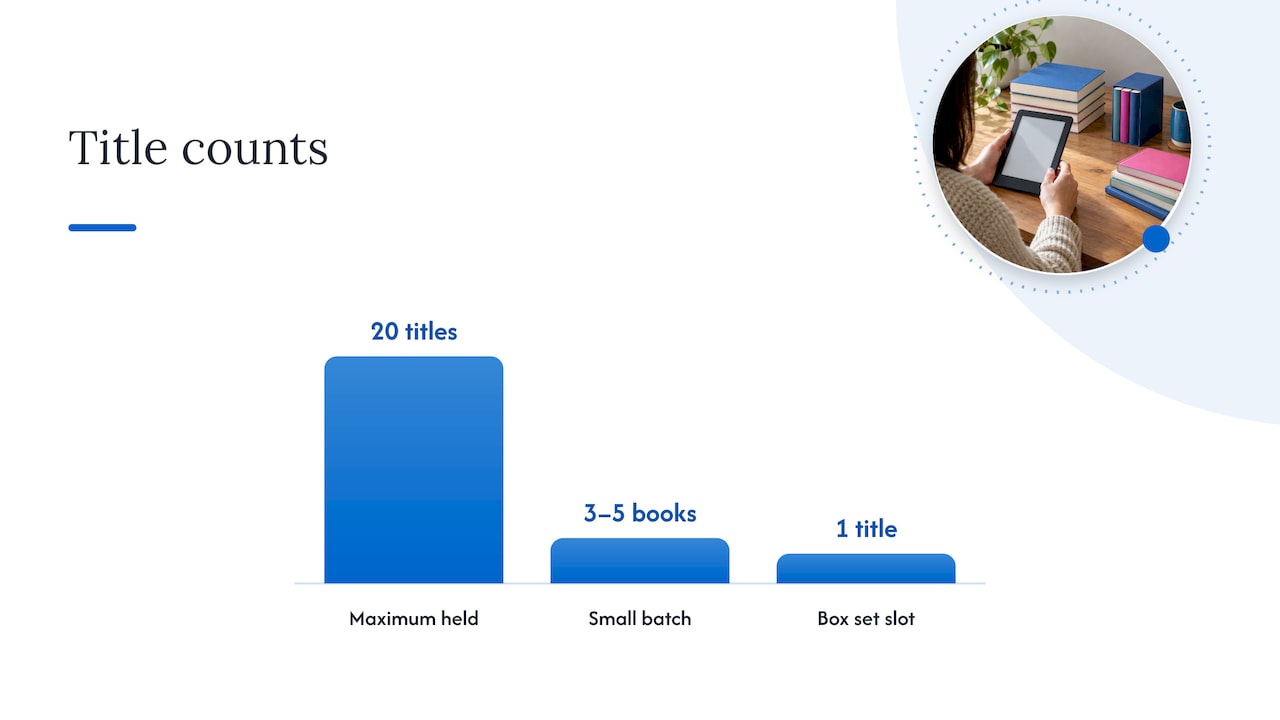
Amazon states that members can hold up to 20 titles at a time, counting books and magazine issues. If you go over, Amazon automatically returns the excess to bring you back under the cap. That means a title you meant to keep can disappear if you borrow carelessly.
Some practical ways to stay in control:
- Borrow in small batches. Keep three to five books in your library, not twenty. A smaller shelf makes it easier to pick what to read next.
- Return finished books. There are no due dates, so nothing forces you to tidy up. Do it anyway after each finish.
- Use box sets strategically. One reader’s guide notes that a multi-book set in the catalog counts as a single title, so a whole series can fit in one slot.
- Park future reads somewhere else. A dedicated wish list can keep future borrows organized once you reach the limit.
Build a reading list that survives the catalog
The most common regret among subscribers is losing track of a book they spotted three weeks ago. A simple system fixes it.
| Tool | Best for | Effort |
|---|---|---|
| Amazon wish list named “KU” | Keeping everything inside Amazon | Low |
| Kindle Collections | Sorting borrowed books on your device | Low |
| Book-tracking app shelf | Reading goals, ratings and series order | Medium |
| Spreadsheet | Readers who like data and comparisons | High |
The options above come from one reading blog’s guide to organizing KU recommendations, which suggests rotating your borrows weekly and tracking them with a shelf, spreadsheet, Collections or a wish list. A third-party app can also help you build a dedicated to-be-read list just for KU.
Pick one tool and stick with it. Whichever you choose, add a one-line note on why a book caught your eye. In two weeks, that note will be the difference between “I want this” and “why did I save this?”
Use reading features that keep you in the story
Kindle itself has tools worth using with borrowed books. X-Ray, for instance, may show details about the plot, locations and characters in the book you are reading. In a long dystopian series with a big cast, that is a fast way to remember who a minor character was without leaving the page.
For audio, look for the headset icon: Amazon says narration on eligible titles is marked “with Narration” on the book’s details page. That is useful if you want to switch between reading and listening on a commute.
Give yourself permission to quit
The lower commitment of a subscription changes how you should read. One reader’s guide points out that it makes it easier to stop reading books you aren’t enjoying. Use that.
A workable rule: give a book 10 percent, or about 50 pages. If you are not curious by then, return it and borrow the next one. The same sort of thinking appears in another reader’s take that the subscription lowers the cost of trying a book and leaving it unfinished.
Decide whether to keep or cancel
A subscription only pays off if you use it. Run a quick test before you commit or renew.
- Write down the next five books you genuinely expect to read.
- Check how many are included. One reader-focused guide suggests exactly this: list the next five books you expect to read and count how many are currently in the catalog.
- Compare the number to your monthly reading pace.
As a rough guide, readers who get through several books a week or enjoy indie titles tend to get the most from a membership, while people who read only a few books a year may spend less buying titles one by one, according to that same subscriber guide. Some readers report reduced-price offers when they cancel, but those are not guaranteed.
If you want to go deeper on this decision for dark fiction in particular, see whether Kindle Unlimited is worth it for horror.
How to cancel without losing access early
You can cancel any time from the Memberships and Subscriptions page on Amazon.com, and access continues until the end of the current billing cycle. So there is no reason to cancel late in the month out of caution. Do it when you decide, then use the remaining days.
Perspective: why we think KU suits dark fiction
We write dark supernatural and dystopian fiction about revenge, guilt and redemption, and we have thought a lot about how readers find books like ours. Our honest view: Kindle Unlimited is one of the best ways to meet a new horror author.
Psychological horror asks for a little trust. You have to give a writer a few chapters before the dread builds. A subscription removes the price from that trust. You can open a book, see whether the voice works, and keep going or move on, with nothing lost but a few minutes.
That is why we keep our books available for subscribers. If you want a story that stays with you after the last page, borrow one, read the sample first, and tell us what you think.
Nathaniel
Start with a dark series on your subscription
If you want to put these tips to work right away, our books are free to read for Kindle Unlimited subscribers, and they are also sold as ebooks and paperbacks on Amazon. You will find them on our books page.
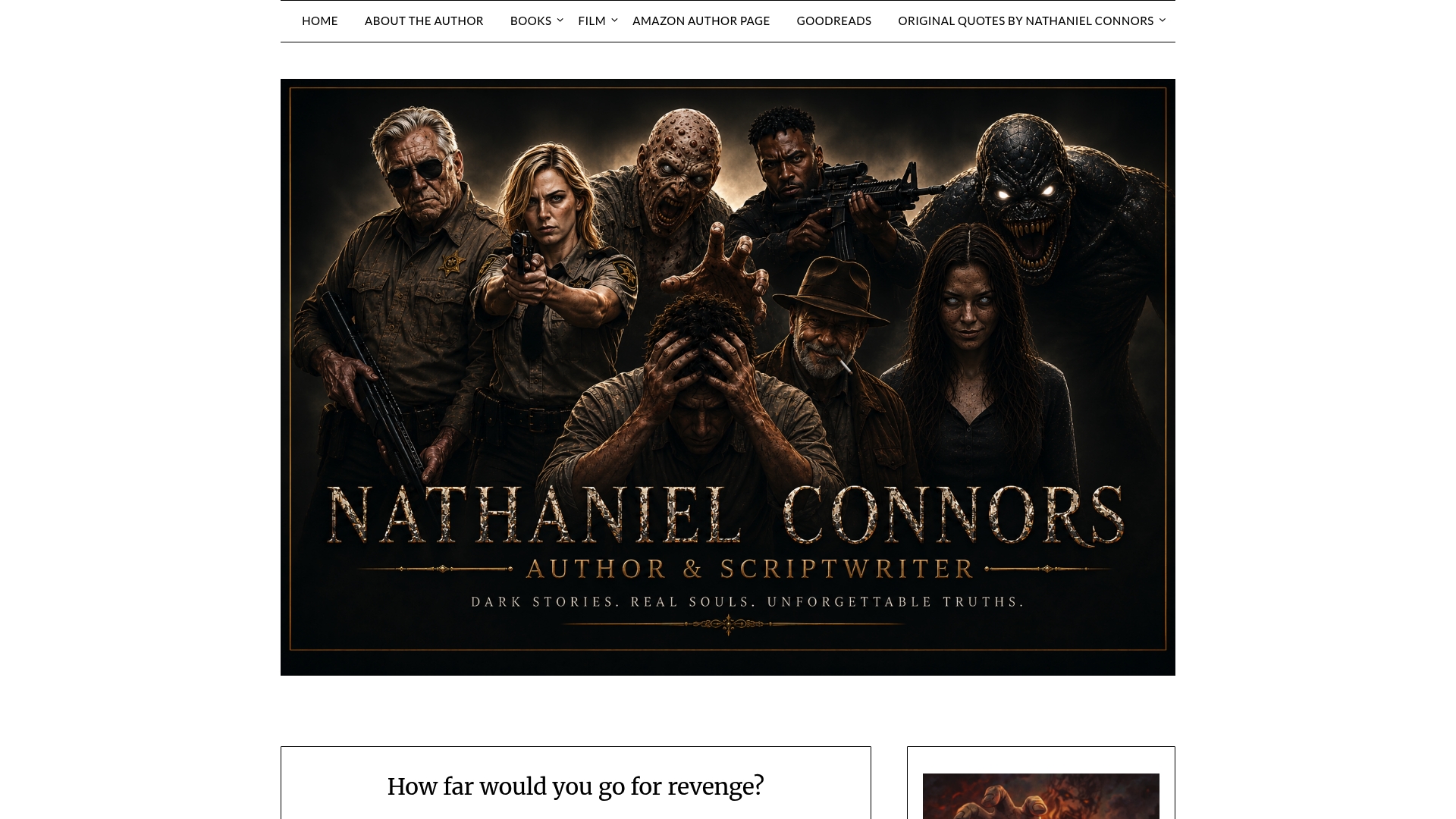
Two places to begin: The Nether for dystopian horror and a thriller edge, or Evolution A200: A Bubonic Apocalypse if you want a pandemic apocalypse story. Our page for Kindle Unlimited subscribers explains how to find them, and how Kindle Unlimited works for our readers covers the borrowing steps.
FAQ
How do I find Kindle Unlimited books?
Turn on the Kindle+ filter in the Kindle app, then search. Amazon says the filter works in both the Kindle Store and your library. You can also look for the badge on a book’s page to check whether it is included.
How many books can I borrow at once?
You can have up to 20 titles at a time, including books and magazine issues. If you go over, Amazon returns the extra ones automatically. There are no due dates, so you can keep a book as long as you stay subscribed.
Is Kindle Unlimited worth it?
It depends on how much you read. Heavy readers and fans of indie authors tend to get the most value, while light readers may save money buying single books. A quick test: list the next five books you want and see how many are included.
Can I read Kindle Unlimited books without a Kindle?
Yes. Amazon says you can read on Kindle devices, phones, computers and tablets with the free Kindle app. Your library follows your account, so you can pick up where you left off on another device.
Can I cancel at any time?
Yes. You can cancel from the Memberships and Subscriptions page on Amazon.com, and access continues until the end of your current billing cycle. Reduced-price offers at cancellation are reported by some readers but are not promised.
Sources
- Understanding the Kindle+ subscription and benefits (Amazon Help)
- Understanding the Kindle Unlimited subscription (Amazon Help)
- Prime Day Kindle Unlimited deal (Amazon News)
- Kindle features that make reading more fun (Amazon News)
- Best Books on Kindle Unlimited: How to Find Them (Margin & Muse)
- Kindle Unlimited: Is It Worth the Subscription? (Reedsy)
- How to Use Kindle Unlimited (Theresa Christine)
- How to Organize Kindle Unlimited Recommendations (What To Read Next)
- How Does Kindle Unlimited Work? (Spin My Read)
- Is Kindle Unlimited Worth It? (Spin My Read)
- How to Cancel Kindle Unlimited (Reverbico)